Emergency Access Document
Generate a printable document with instructions for your trusted contacts to access your crypto.
What is the Emergency Access Document?
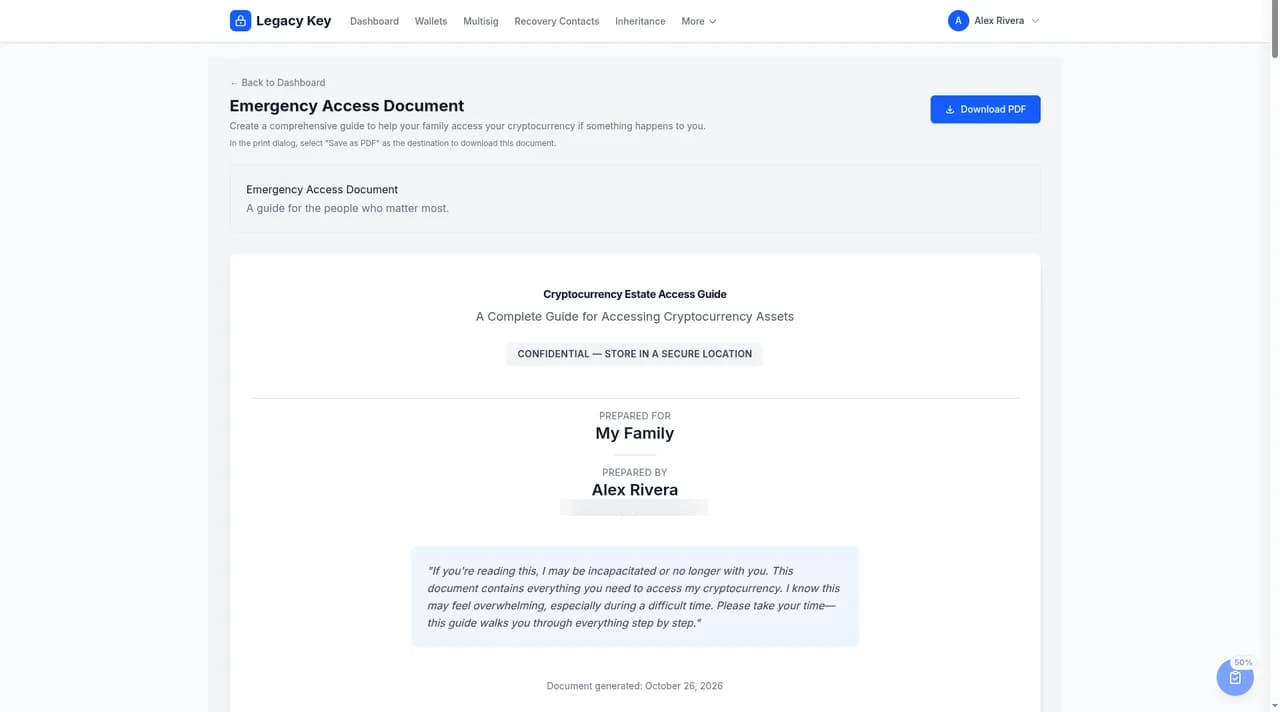
The Emergency Access Document is a comprehensive, print-ready page that contains everything your trusted contacts need to access your cryptocurrency in an emergency or after your passing. It's rendered as a fully styled HTML document optimized for printing — open it from the app and select Download PDF. In the print dialog, choose Save as PDF or print it directly.
It includes:
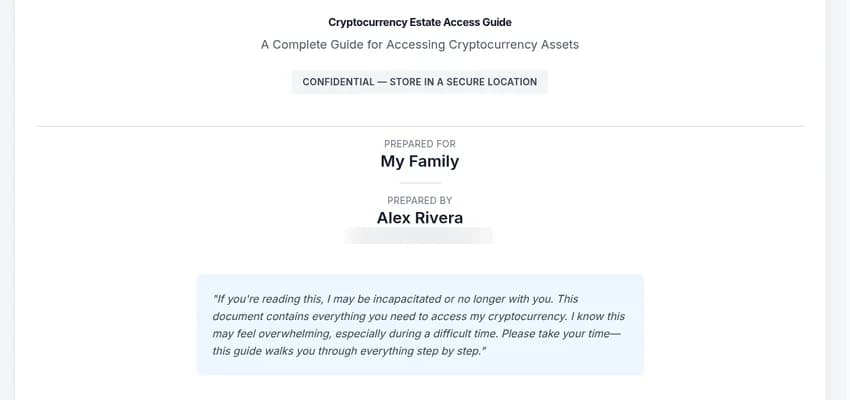
- A cover letter explaining what the document is
- Wallet inventory with brands, models, serial numbers, and physical locations
- Backup-location guide tying each backup to the wallet it protects
- Step-by-step recovery instructions and security warnings
- Trusted-contact list with optional QR-code contact cards
- Multisig configuration section (if you have multisig wallets)
- A glossary so non-technical readers can follow along
Not the same thing as your Recovery Key. Your Recovery Key (an LK- code) restores your access to your ownaccount if you forget your password. The Emergency Access Document tells your trusted contacts where to find your hardware wallets and seed backups — it never contains your Recovery Key or any seed phrase. See the Recovery Key guide for details.
Important: The Emergency Access Document does NOT contain your actual seed phrases. It tells your contacts where to find them andhow to use them, but the seeds themselves remain securely stored offline.
Generating the Document
To generate your Emergency Access Document:
- On your dashboard, select Generate Document in the Emergency Access Document card.
- Review the preview.
- Select Download PDF and choose Save as PDF or print.
Document Contents
The Emergency Access Document is organized into clear sections:
1. Introduction Letter
A short letter at the top explains what the document is and how to use it.
2. Wallet Inventory
A complete list of all your hardware wallets, including:
- Wallet names and purposes
- Brand and model information
- Serial numbers for identification
- Which cryptocurrencies are stored
- Where each device is physically located
3. Backup Location Guide
Detailed instructions for finding each seed phrase backup:
- Physical location descriptions
- Access instructions (combinations, keys, etc.)
- Which wallet each backup corresponds to
4. Recovery Instructions
Step-by-step instructions for recovering the cryptocurrency:
- How to use a seed phrase to restore a wallet
- Recommended wallet software for recovery
- Security precautions during recovery
- What to do if they need professional help
5. Important Contacts
Contact information for people who can help:
- Your cryptocurrency advisor (if any)
- Estate attorney
- Technical contacts who can assist
6. Multisig Configurations
If you have multisig wallets, a dedicated section walks contacts through the quorum, key-holder mapping, descriptor or wallet-config files needed to rebuild the multisig, and which signing devices to use. This section only appears when you have at least one multisig configuration documented.
7. Custom Notes
Any additional information you want to include, such as:
- Account passwords for exchanges (use with caution)
- Special instructions for specific assets
Keeping it current. The document is built from what you've documented in Legacy Key. To change it, update your wallets, locations, multisig setups, and recovery contacts, then download a fresh copy.
Storing the Document
After printing the document (or saving it as PDF), consider these storage options:
Recommended
- Printed copy with your will
- Copy with your attorney
- Safe deposit box
- Home safe (separate from seeds)
Avoid
- Email or cloud storage
- Computer desktop or downloads
- Same location as seed backups
- Unsecured physical locations
Keeping the Document Updated
Your Emergency Access Document should be updated whenever you:
- Add or remove hardware wallets
- Change backup locations
- Update access instructions
- Change trusted contacts
We recommend regenerating and reprinting the document at least annually, or whenever significant changes are made.
Tip: When you update the document, securely destroy old copies to prevent confusion and reduce security risk.
Testing Your Plan
Consider doing a "dry run" with your trusted contact:
- Give them a copy of the document
- Ask them to read through it and identify any confusing parts
- Walk through the process verbally (without actually accessing seeds)
- Update the document based on their feedback
This ensures the instructions are clear and your contact knows what to do when the time comes.
Next Steps
Your inheritance planning is now in place. Finally, learn about additional account security features to keep your documentation safe.